Hach Controller
A tablet interface for a water-quality instrument. Readings you can take in at a glance, status that lives in colour as well as words, and one small icon system that says what every probe is doing.
- Client
- Hach
- Platform
- Tablet, 619 × 426 screens
- Deliverable
- Two screens + status legend
- Design file
- Figma
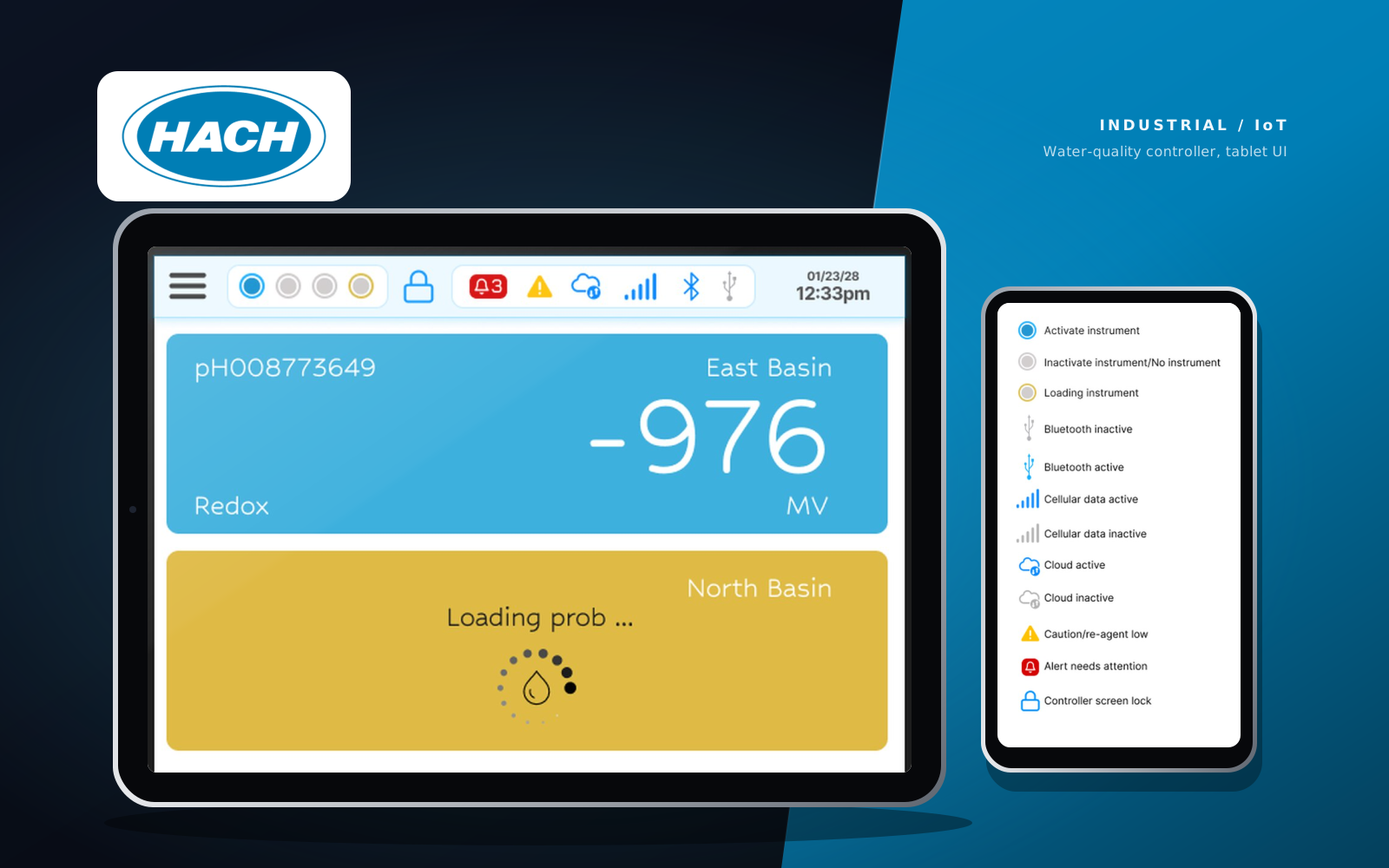
Two screens, every state accounted for.
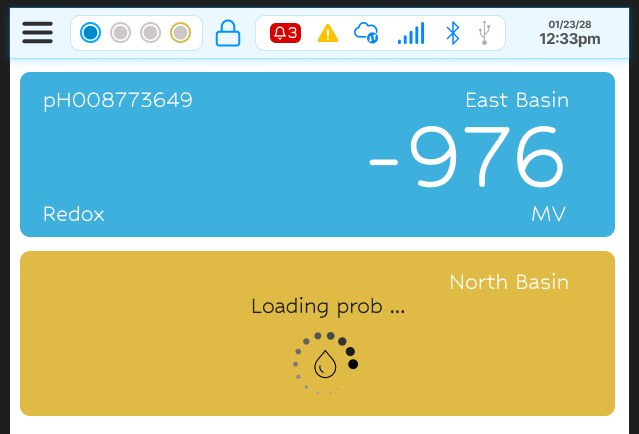
Hero — main view. Hover or focus a note to find it on the screen.
Dual-state instrument cards
Blue for live readings, amber for loading or error. Status is encoded in the card colour, not in text alone.
Alert badge
A count of 3 in a red pill over the bell, top right, so “something needs you” is visible from across the room.
Connectivity dots
Four slots, two active, mirroring the physical probe connections on the instrument itself.
Type that scales
Hubballi for every sensor value (legible at very large sizes), Inter for interface chrome, Jura for badge numerals.
Two-tone status states
Every connectivity and instrument icon has an inactive grey, an active brand blue, an amber loading ring and a red alert.
Loader — splash
The screen the controller opens on while it wakes the instrument up: the brand mark on its own, with nothing to read and nothing to mistake for a reading.
A palette that carries meaning.
Click any swatch to copy its hex.
Three faces, three jobs.
Hubballi 400 · 112pt · tabular numerals
Hubballi 400 · 27pt
Inter 700 · 16pt · tabular numerals
Jura 700 · 16pt
One icon system, four states.
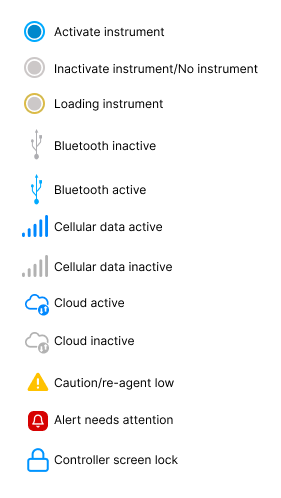
Every icon in the top bar lives in a small set of states. The legend was added to the Figma file as its own pass, covering instrument activation, connectivity and alerts, so the states are named once and reused everywhere.
Keep exploring.
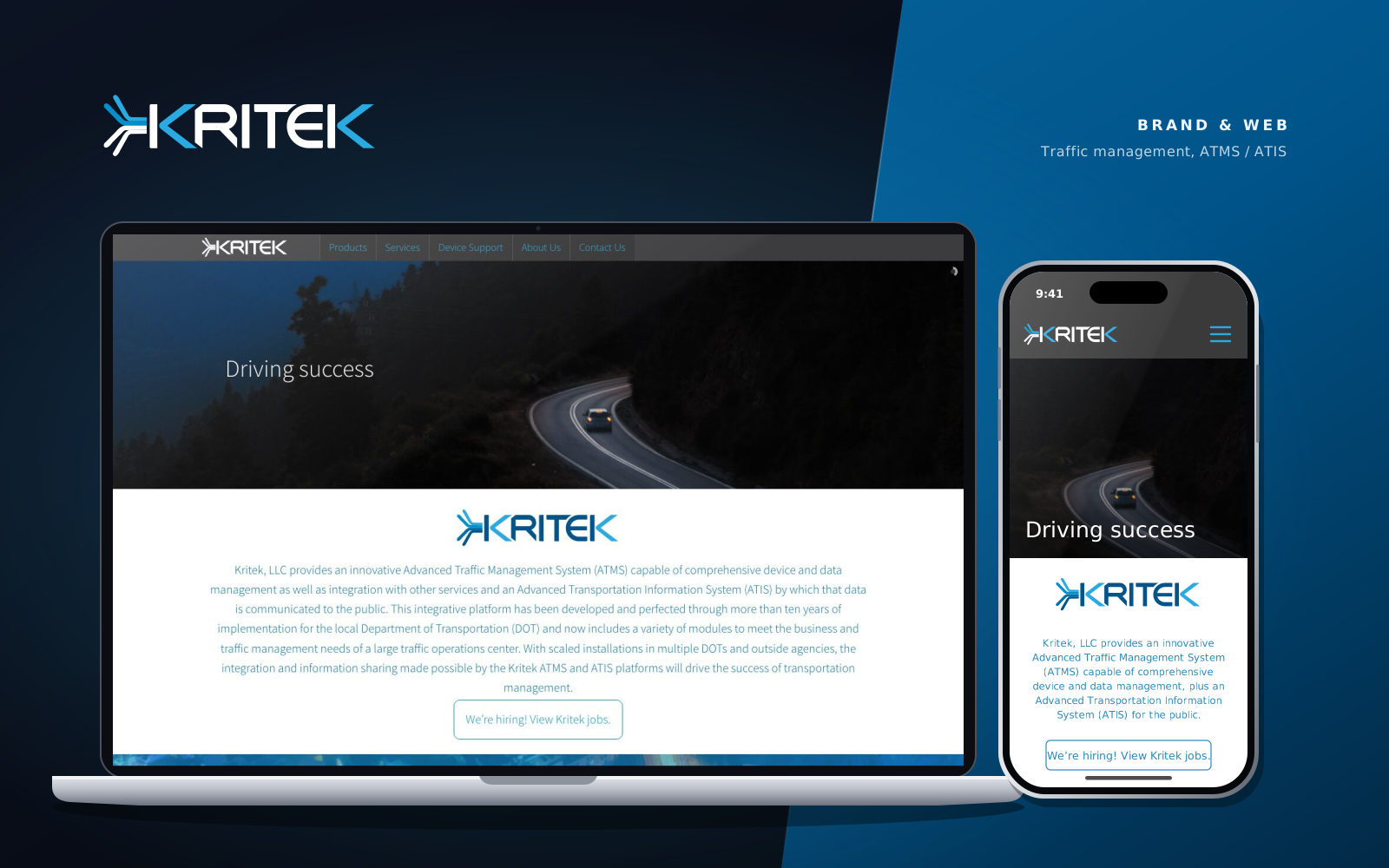
Kritek LLC
A brand mark, a 67-icon library, and six shipped pages for an IT consulting firm serving transportation agencies.
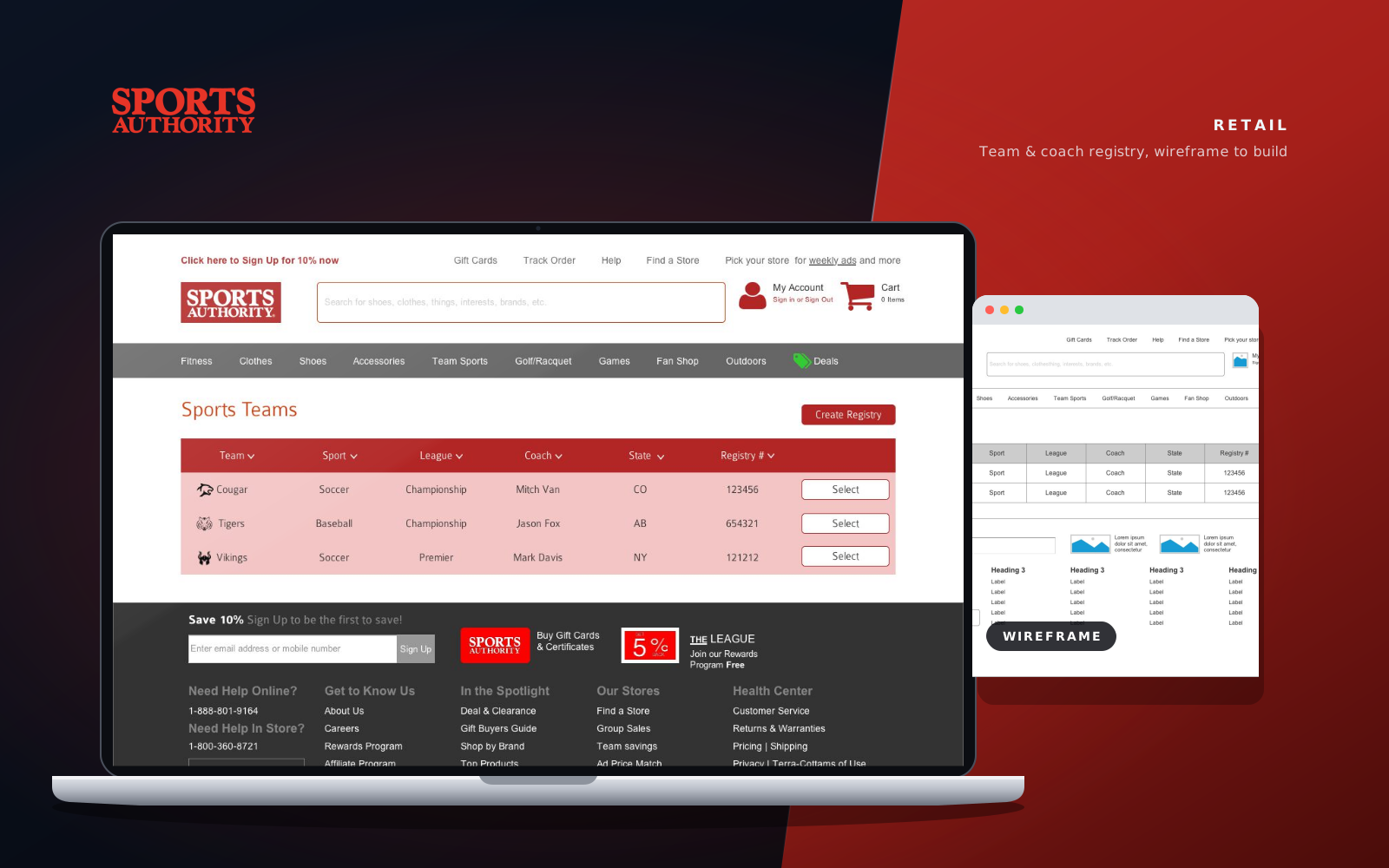
Sports Authority
A team and coach registry taken from a low-fi Axure wireframe to a finished, on-brand interface.
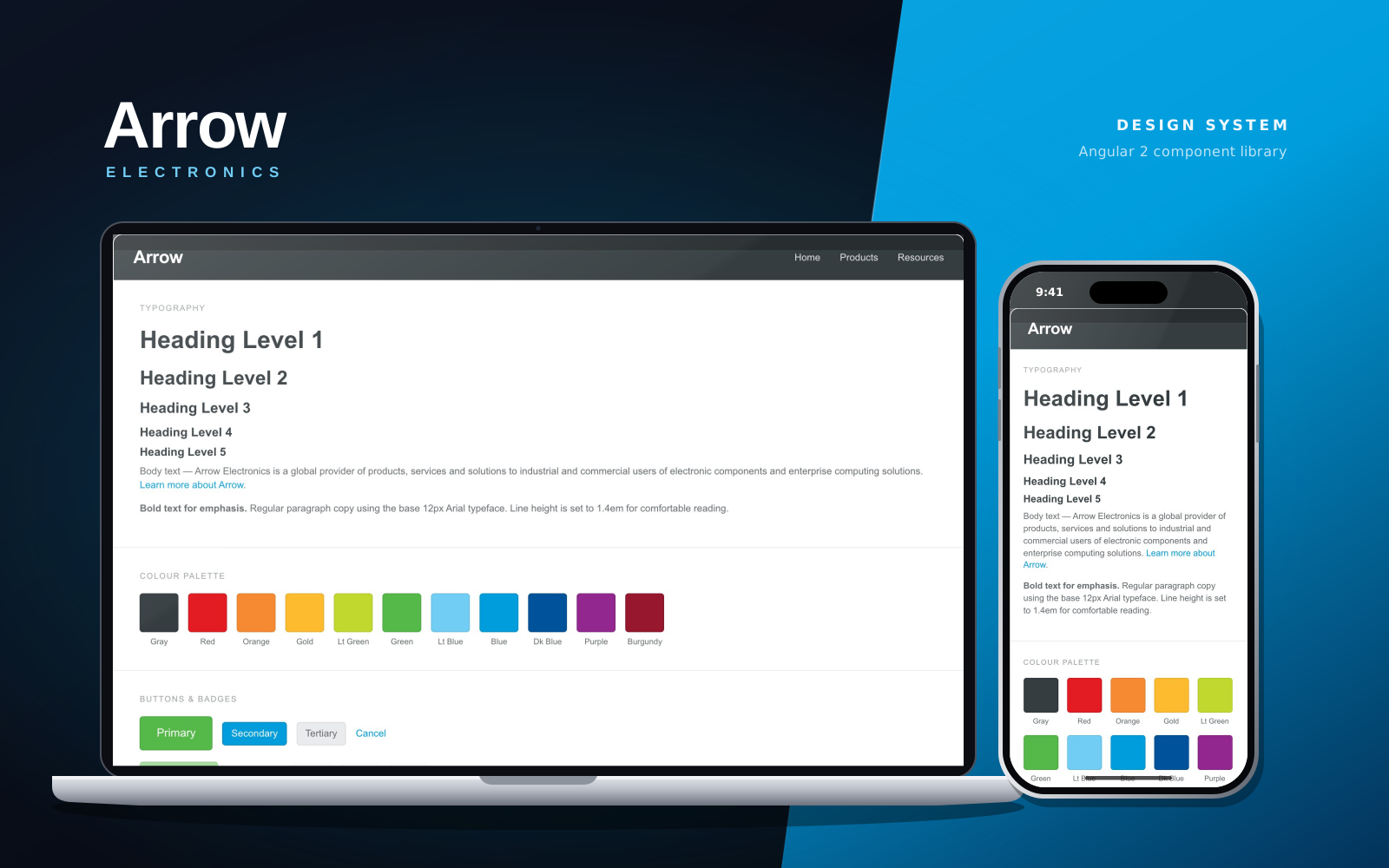
Arrow Electronics
Snap, an Angular 2 component library of design tokens and UI components for Arrow Electronics.
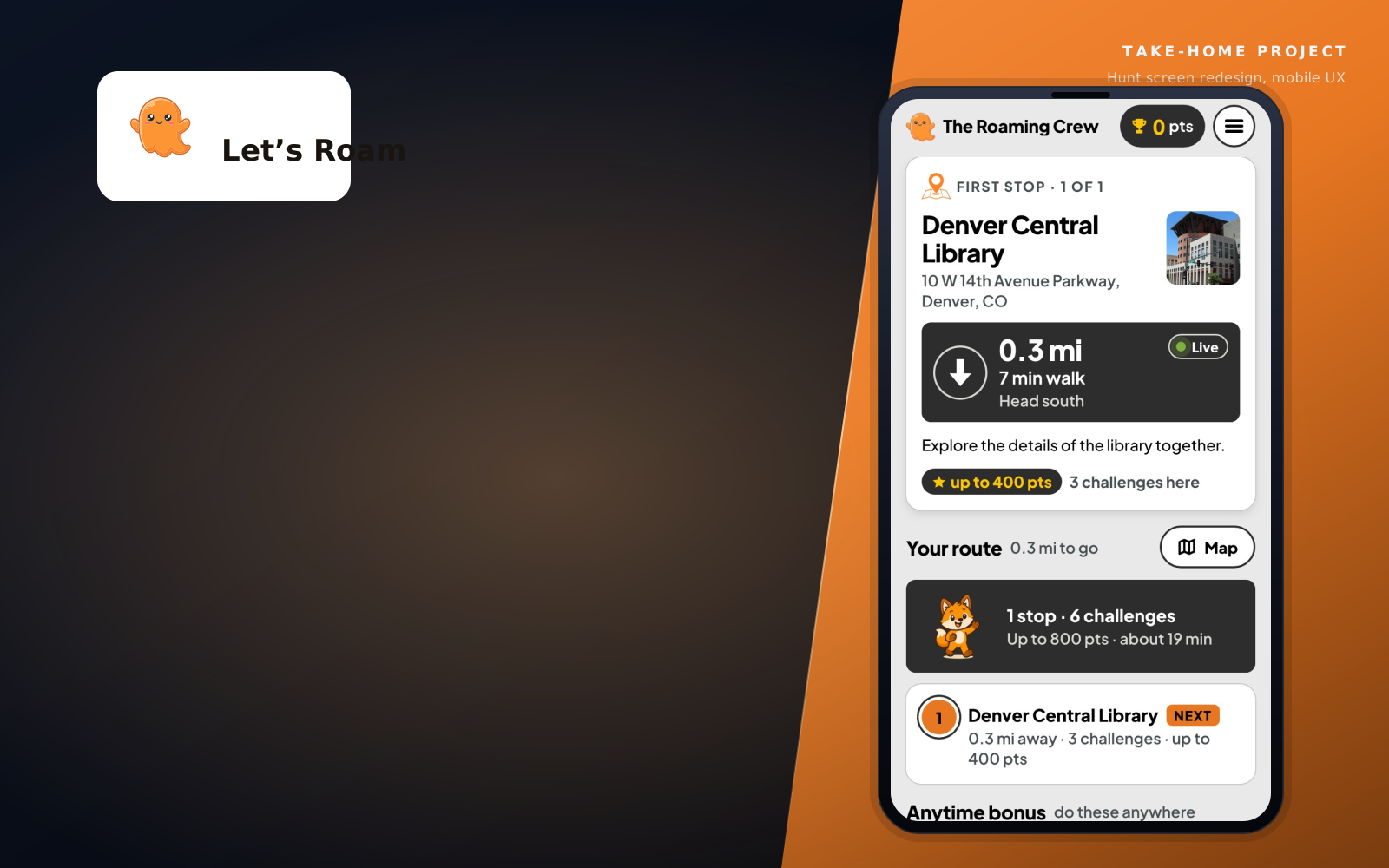
Let's Roam
A 48-hour take-home redesign of a scavenger-hunt app's core hunt screen — research, spec, and a working interactive demo, not just mockups.